Key takeaways
- A Shopify payout is a net cash movement, not a sales figure: processing fees and refunds come out, and the sales tax collected from customers is part of the deposit.
- Record gross sales, fees, and the net deposit as separate lines, and match every payout to the sales, fees, and refunds behind it.
- A refund comes out of a later payout at the full refunded amount, and Shopify keeps the original processing fee.
- Shopify flags states nearing a sales tax threshold, but it counts only Shopify sales, does not register you, and files returns only if you enroll in Shopify Tax's automated filing.
In this article
- Why the Shopify Payout Never Matches the Sales Number
- Splitting Gross Sales From Processor Fees
- Payout-to-Deposit Reconciliation
- Refunds, Chargebacks, and Why They Hit Differently Than a Normal Sale
- Inventory and COGS Timing on a Fast-Moving Shopify Store
- Ecommerce Accounting Beyond the Payout
- The Multi-State Sales Tax Nexus Exposure Most Sellers Discover Late
- The Real Problem With Shopify Bookkeeping Isn't the Payout
- What You Actually Get When Twelix Takes This Over
- Frequently asked questions
A Shopify seller logs into their bank account on payout day and lines it up against the sales report. The two numbers do not match, not by a little but by hundreds of dollars some weeks. The deposit reads $4,150. The sales report for the same stretch reads $4,820. The first instinct is to assume a transaction got missed, a double charge slipped through, or the books are wrong somewhere. None of that is usually true. This is the exact spot where Shopify bookkeeping gets confusing fast: the payout landing in the bank is already a net number, with fees and refunds pulled out and the sales tax collected from customers folded in before it reaches the account.
Quick answer
The Shopify payout will never equal gross sales, and that is by design. Before a deposit hits the bank, Shopify nets out processor fees and refunds, and the deposit also carries the sales tax collected from customers. The fix is not finding the missing money. It is recording gross sales, fees, and the net deposit as separate lines, plus refunds and sales tax when they apply.
Why the Shopify Payout Never Matches the Sales Number
#Every Shopify seller eventually hits the same wall. The sales report for a week might show $5,000 in orders. The deposit that actually lands in the bank a few days later might read $4,350. Nothing is stolen and nothing is broken. The gap comes from processor fees, refunds issued in that window, and timing, while any sales tax collected sits inside the deposit instead of the sales figure.
The gap, defined plainly: a Shopify payout is the net result of gross charges, which include any sales tax collected, minus processing fees, minus refunds and chargebacks issued since the last payout. It is not a sales figure. It is a cash movement, and it follows its own math on its own schedule.
That distinction matters more than it sounds like it should. A seller who records the payout amount as "sales" is quietly understating revenue every single period. Over a year, that understatement can run into thousands of dollars that never show up on a profit and loss statement, which then makes margin look worse than it actually is, or occasionally better, depending on which fees landed in which period.
The payout schedule adds another layer. Shopify does not pay out order by order. US sellers choose a daily, weekly, or monthly payout schedule, funds settle a minimum of three business days after the sale, and sales captured over a weekend are grouped into a single payout. Refunds issued mid-cycle get netted against sales from a different cycle entirely. That is why a single payout rarely maps cleanly to a single day of sales. The money that left as a refund this week might be offsetting an order placed two weeks ago.
None of this is a Shopify problem. It is simply how any payment processor that nets fees before settlement behaves. The fix is not chasing down the "missing" amount. It is building the books so gross sales, fees, and the net deposit are each their own line, matched to the batch that produced them.
Splitting Gross Sales From Processor Fees
#Shopify Payments, Stripe, and PayPal all do the same basic thing before a payout reaches the bank: they subtract their processing fee from the gross sale amount, then settle the difference. A $100 order might arrive as a $97.10 contribution to the payout, with the $2.90 fee already gone.
The problem shows up the moment someone records that net $97.10 as the sale. Gross sales get understated by the exact amount of the fee, and because the fee never appears anywhere in the books, it looks like it was never paid at all. Margin looks better than it is, right up until a cost analysis or a lender asks for the real numbers behind it.
The fix is a two-sided entry instead of a one-sided one. The full $100 sale gets recorded as revenue. The $2.90 fee gets recorded as a processing expense. The $97.10 that actually lands in the bank is the net of those two entries, not a mystery number pulled from a bank statement.
This matters most for sellers running thin margins on volume, where a percentage point of unrecorded fees can be the difference between a product line that is profitable and one that is not. It also matters at tax time. Processing fees are a deductible business expense, but only if they are recorded as an expense in the first place. A seller who never separates gross sales from fees is often sitting on deductions they never claimed, simply because the fee was never written down anywhere except inside Shopify's own payout report.
Payout-to-Deposit Reconciliation
#Payout-to-deposit reconciliation is the process of matching every dollar in a Shopify payout back to the sales, fees, refunds, and tax that produced it, so the number landing in the bank account can be fully explained by three or four separate entries instead of treated as one lump sum.
In practice, it means pulling the payout details and activity report Shopify generates for each deposit and breaking them into their parts before touching the bank feed at all. A single $1,000 payout might actually represent $1,050 in gross sales, $35 in processing fees, and $15 in refunds issued during that payout window. Recorded correctly, those three numbers sum to the deposit. Recorded as one line, the $1,000 shows up as "Shopify income" and the other two numbers disappear from the books entirely.
Here is a simple test. Pull up last month's books and try to point to the exact journal entry that breaks a single payout into its gross sales, its fees, and its refunds. If that entry exists, the books are reconciled at the level that matters. If the answer is "the deposit just shows up as income," the books are tracking cash movement, not the business.
This is also where most of the cleanup work happens when a Shopify seller's books have gone untouched for a few months. The payouts themselves are usually fine. What breaks down is the link between each payout and the sales period it actually belongs to, especially once refund timing and multi-day payout batching start overlapping. Reconciliation does not mean matching the bank balance to the P&L once at month end. It means matching every payout, one at a time, to the sales activity that produced it, before the numbers get summarized into anything else.
Refunds, Chargebacks, and Why They Hit Differently Than a Normal Sale
#A refund does not simply reverse a sale in Shopify's own accounting. The refunded amount comes out of the seller's next available payout, which is often a different payout cycle than the one the original order landed in, and the original processing fee is not returned.
Say a $100 order was processed with a $2.90 fee, netting the seller $97.10. If that order is refunded two weeks later, the full $100 comes out of a future payout, not $97.10, and Shopify keeps the $2.90 fee. The seller loses both the sale and the fee that was paid to process it, and only sees the loss show up as a smaller net deposit weeks after the original sale.
Chargebacks behave even less predictably. A chargeback can carry its own additional fee on top of the lost sale, and it can be reversed again later if the seller disputes it and wins. Each of those events, the original chargeback and any later reversal, needs its own entry tied to its own payout, or the books end up with a sale that looks like it happened twice, or not at all.
The practical risk is treating refunds and chargebacks as a single adjustment to revenue at month end instead of tracking them as they occur. A seller with a high refund rate, common in categories like apparel, can end up with gross sales that look fine on paper while the actual cash collected tells a very different story. The gap only shows up if refunds are tracked against the specific orders and payouts they belong to.
Inventory and COGS Timing on a Fast-Moving Shopify Store
#Shopify payouts move on their own schedule, daily, weekly, or monthly. Inventory does not move on that schedule at all. A seller might place a large purchase order in March for stock that does not get sold until May, or sell through inventory in a sales rush before the bill for restocking it has even come due.
That timing gap creates a specific accounting problem. If inventory purchases get expensed the moment they are paid for, a big restock month looks like a terrible month on paper, even though the goods bought that month will generate sales for the next several months. Cost of goods sold needs to be recognized in the same period as the sale it belongs to, not the period the inventory happened to be bought in.
Fast-moving Shopify stores feel this acutely because payout timing and inventory timing drift apart in both directions at once. A viral product can sell out before the next shipment lands, pulling sales forward. A slow season can leave a warehouse full of stock purchased months earlier that has not sold yet. Without inventory tracked separately from cash movement, margin reported in any given month reflects purchasing decisions as much as it reflects actual sales performance.
This is also where a lot of Shopify sellers discover their margin was never what they thought it was. A store that looked like it ran at 40 percent margin for a year might actually be closer to 25 percent once cost of goods sold is matched to the sales period it belongs to instead of the purchase date.
Ecommerce Accounting Beyond the Payout
#Payout reconciliation solves the Shopify-specific version of a much bigger problem. Most sellers running a Shopify store are not selling only on Shopify. The same product might move through a Shopify storefront, an Amazon listing, and a handful of wholesale accounts, each with its own fee structure, its own payout timing, and its own reporting format.
Ecommerce accounting, at its core, is the discipline of pulling all of that together into one consistent set of books instead of treating each sales channel as its own separate ledger. A seller running a Shopify store alongside a WooCommerce or WordPress-based site, an Amazon listing, wholesale accounts, or sourcing through Alibaba needs margin visibility that holds across all of it, not a Shopify number, an Amazon number, and a wholesale number that never quite add up to the same total revenue the bank statements imply.
This is also where multi-channel sellers tend to lose track of true profitability. Amazon's referral fees and FBA fees behave nothing like Shopify Payments' processing fee. A product that looks profitable sold direct on Shopify can be marginal or even a loss once it is sold through Amazon with FBA fees attached. Without a consistent chart of accounts across channels, that difference stays invisible until someone sits down and manually compares margin channel by channel.
The payout-level work covered above is the foundation this sits on top of. Getting gross sales, fees, and refunds separated correctly for one channel is what makes it possible to compare that channel honestly against another one. Our ecommerce bookkeeping services overview covers how channel-level reconciliation fits into the fuller picture.
Twelix works inside a seller's existing QuickBooks or Xero file to keep these channel-level numbers separated as they come in, rather than reconstructing them after the fact at tax time.
The Multi-State Sales Tax Nexus Exposure Most Sellers Discover Late
#"Doesn't Shopify just handle sales tax for me?" is the question almost every seller asks the first time this comes up, and the honest answer is: partially.
Shopify can calculate sales tax at checkout and collect it from the customer in states where tax settings are configured correctly. It also compares Shopify sales against each state's thresholds and flags states as "Monitoring" once sales reach 80 percent of a threshold, or "Action required" when a liability may exist. What Shopify does not do is count sales made outside Shopify, register the seller with a state, or file returns for them, unless the seller has enrolled in Shopify Tax's automated filing.
Sales tax nexus is the threshold of sales activity a state sets that creates an obligation to register, collect, and file there, regardless of what Shopify calculates at checkout.
Nexus thresholds vary by state, and most are based on either a dollar amount of sales or a number of transactions into that state within a year, sometimes both. A seller who starts the year selling mostly in their home state can cross a nexus threshold in a completely different state by Q3 without ever noticing. Shopify's flags sit on a page the seller has to open, and they count Shopify sales only, so a seller who also sells through Amazon or other channels can pass a state's threshold on total sales before the Shopify count shows a warning.
The exposure compounds quietly. Tax collected from a customer but never remitted to the right state is not the seller's money to begin with. It sits as a liability on the books whether or not anyone registered for it, and the states involved do not forgive the gap just because a seller did not notice crossing their line.
This is the part of Shopify bookkeeping that usually needs a professional set of eyes rather than a settings checkbox. Twelix reviews a seller's actual sales footprint across every channel against nexus thresholds state by state, and tracks the exposure each month inside the seller's own QuickBooks or Xero file. When a state needs a return, Twelix can prepare it for the seller's CPA or, if the seller asks and gives access, file it. Ecommerce bookkeeping services covers how this fits into the broader books, and sellers already running QuickBooks can see the specifics at QuickBooks bookkeeping services.
The Real Problem With Shopify Bookkeeping Isn't the Payout
#Here is the real problem. It is not that your payout looks confusing on a random Tuesday. It is that you are probably recording one net number where three or four separate numbers belong: gross sales, fees, refunds, and sometimes tax. Once you split those apart and match them to the payout that produced them, the "mismatch" disappears. There was never actually a mismatch, only a net figure standing in for numbers nobody broke out.
You did not start a Shopify store to reconcile payouts at 11 p.m. You started it to sell product. Every hour you spend untangling a clearing account is an hour you are not spending on the store itself, and most owners figure that out the hard way, usually a few months after the books have fallen behind. This is exactly what Twelix takes off your plate. We handle this kind of ecommerce-specific reconciliation inside your existing QuickBooks or Xero file, whether you are running Shopify on its own or alongside WooCommerce, a WordPress-based storefront, Amazon, wholesale, or sourcing through Alibaba. Payouts get matched to the sales, fees, and refunds behind them, so your books reflect what actually happened in the store, not just what hit the bank account.
You get a quote back within 24 hours of a free consultation, and the work runs month to month with no long-term contract.
What You Actually Get When Twelix Takes This Over
#Twelix already knows how Shopify payouts work. Your gross sales, fees, refunds, and sales tax get split out and matched to every payout, inside the QuickBooks or Xero file you already run, so your P&L shows what the store actually did, not just what landed in the bank.
If you sell on more than one channel, it all gets reconciled against the same chart of accounts, whether that is Shopify alongside WooCommerce, a WordPress-based storefront, Amazon, or sourcing through Alibaba. Margin becomes something you compare channel to channel, not something you guess at.
Sales tax nexus gets reviewed on a schedule, not discovered in an audit letter. The close happens on a set date every month, and you reach an actual person when something looks off, not a support ticket queue. All of this runs on one flat monthly fee, not an hourly bill that grows with your questions.
What you get, in short: reconciled books you can trust, a service that already speaks ecommerce, and one set of numbers where every channel finally agrees with every other. .
Frequently asked questions
How do I record Shopify payouts in QuickBooks?
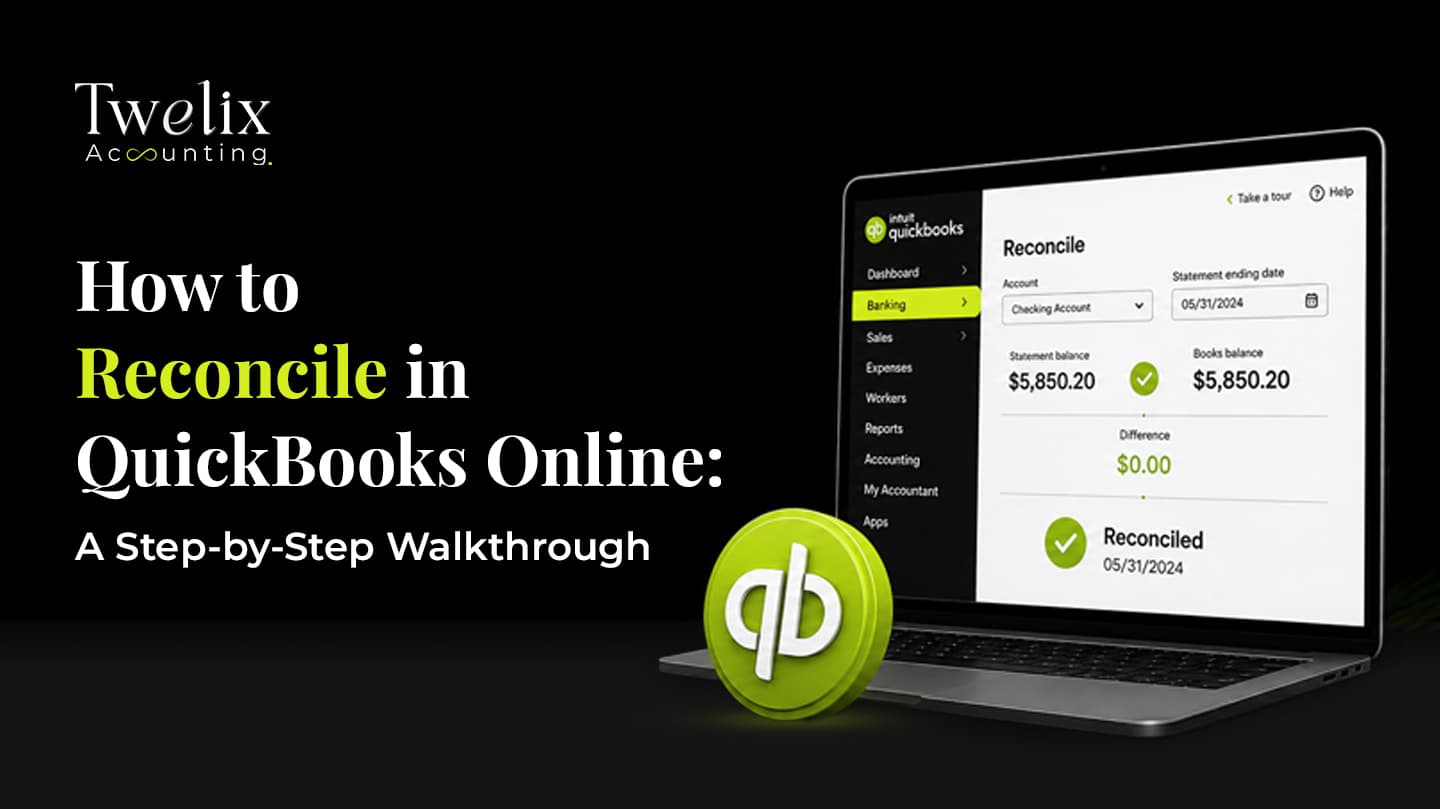
Create a dedicated clearing account, often named "Shopify Payouts," in QuickBooks. Record each payout into that account. Then book the gross sales, processing fees, and refunds behind it as separate line items, so the clearing account nets to the exact deposit. The bank feed transaction should match the clearing account, not get recorded directly as income. This answer covers the Shopify-specific clearing account setup only. For the general month-end bank reconciliation workflow in QuickBooks Online, see our step-by-step reconciliation walkthrough.
Why does my Shopify payout not match my sales?
Because the payout is a net number. Shopify subtracts processing fees and refunds before the deposit reaches the bank, and the deposit also includes the sales tax collected from customers, so it will almost never equal gross sales for the same period. The fix is recording gross sales, fees, and the net deposit as three separate lines, rather than treating the deposit itself as the sales figure.
Does Shopify collect sales tax for me?
Shopify can calculate and collect sales tax at checkout in states where tax settings are configured. It flags states where Shopify sales are nearing or past a threshold, but it counts only sales made through Shopify, it does not register the seller, and it does not file or remit returns unless the seller has enrolled in Shopify Tax's automated filing. That responsibility otherwise stays with the seller, which is why a periodic nexus review across every channel matters even when checkout tax collection is working correctly.

CA Jaimin M.
Founder & CEO, Twelix Accounting
Published
Jaimin M. is the founder and CEO of Twelix Accounting, where he leads strategy and overall direction. A Chartered Accountant with more than eight years in U.S. accounting, he shapes how Twelix delivers outsourced bookkeeping and accounting services to small businesses. When he is not running the company, he is deep in a game, insisting it is helping his strategy skills.
Connect on LinkedIn